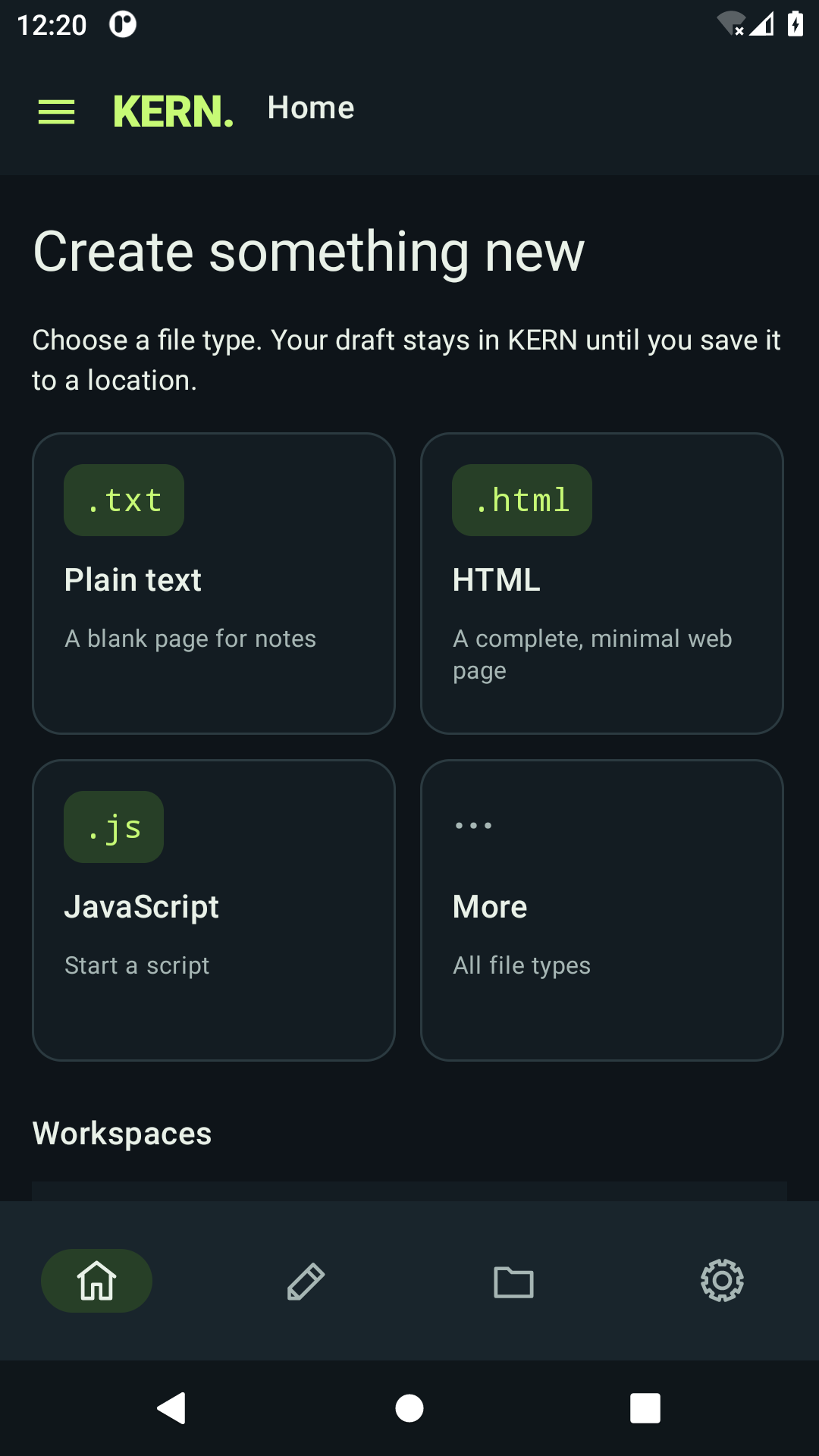
Start with the right file
Open a blank page or a practical starter for HTML, JavaScript, CSS, Markdown, JSON, TypeScript, Python, Kotlin, Java, C, C++, shell or XML. Starters are editable files, not a code runner.

KERN. THINK. TYPE. TRANSFORM.
Text, code and Markdown. A focused workspace for your Android.
Android 11 and later · In development
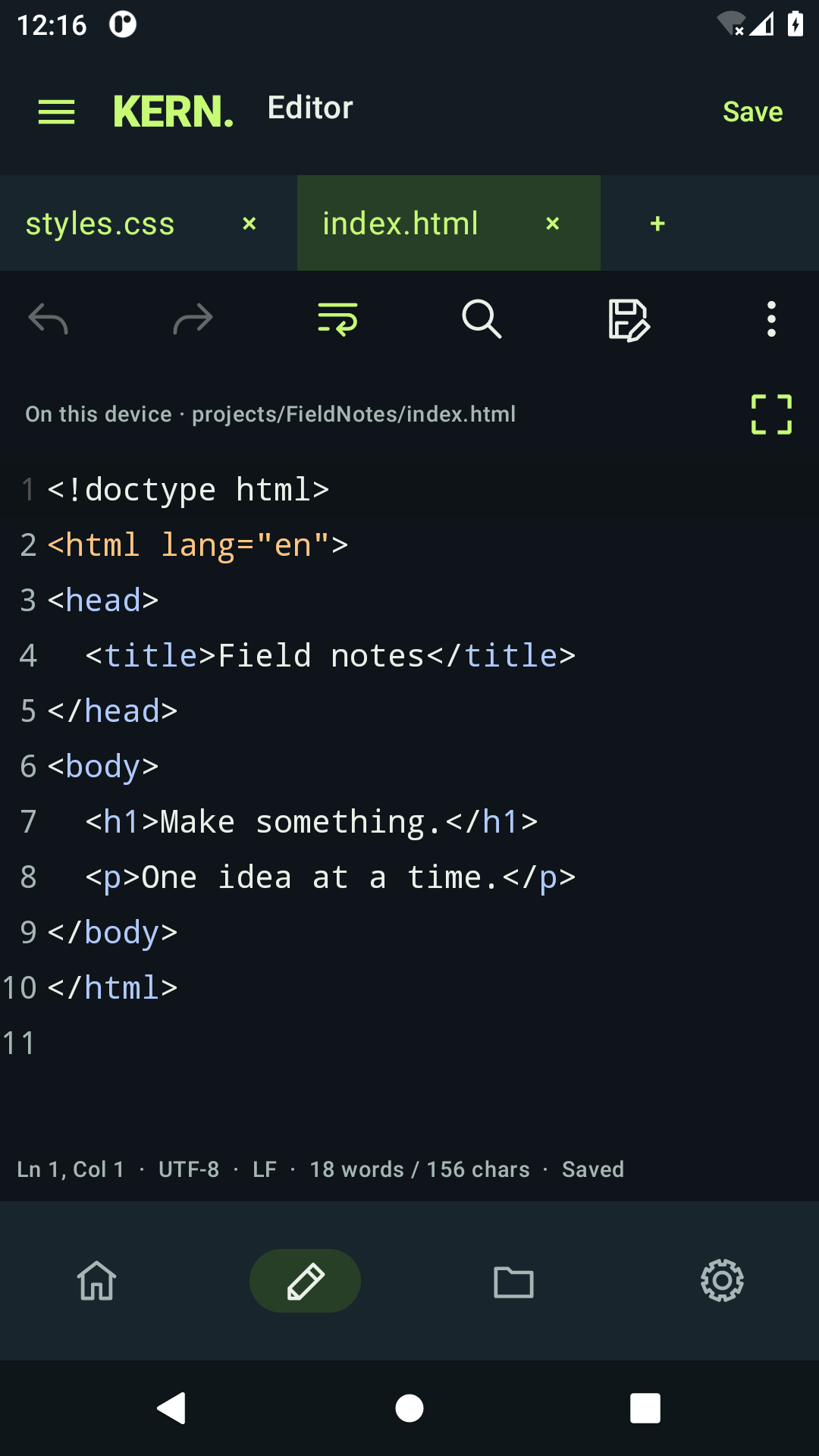
TXT / HTML / CSS / JS / MD / JSON
Inside KERN
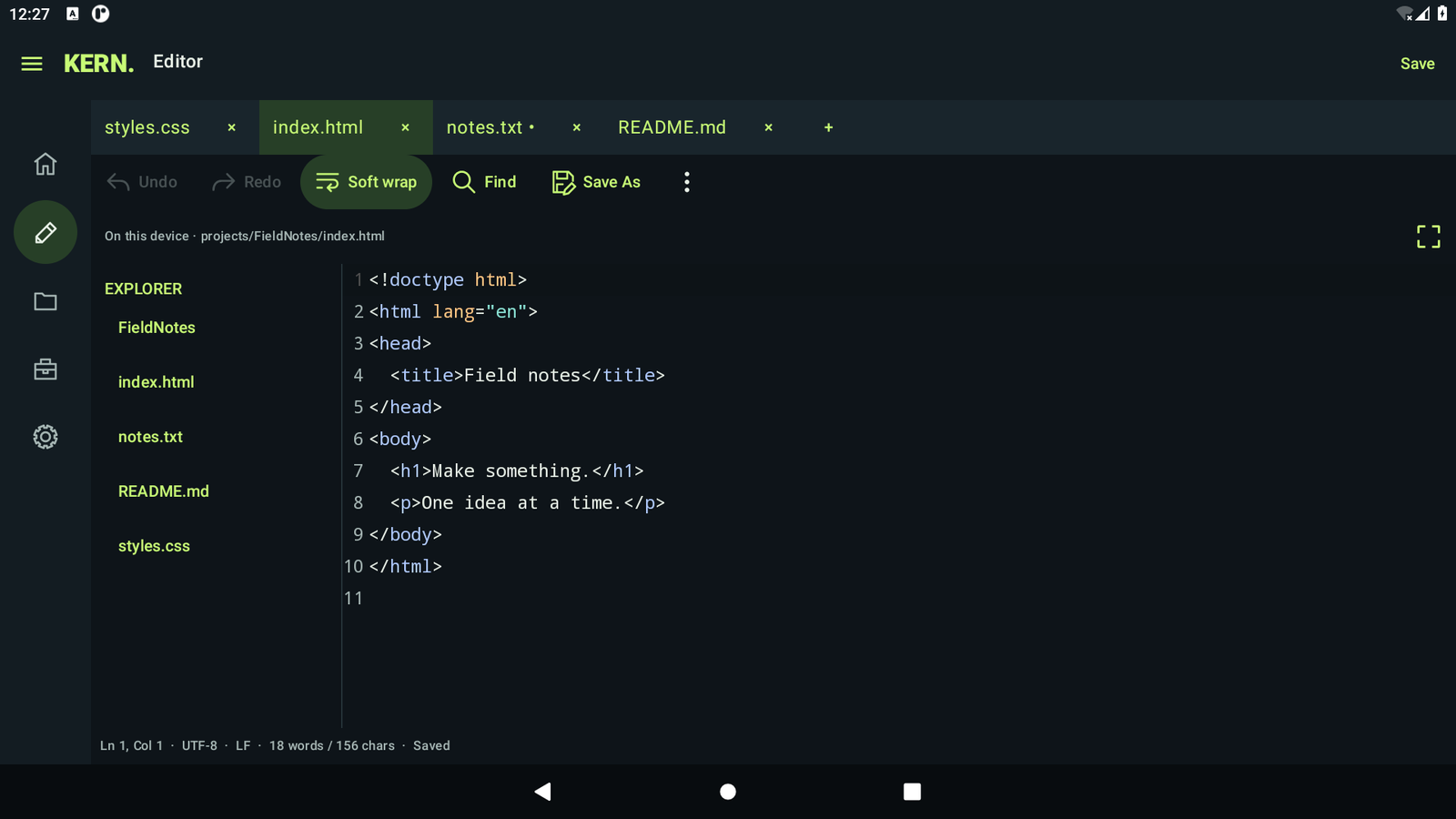
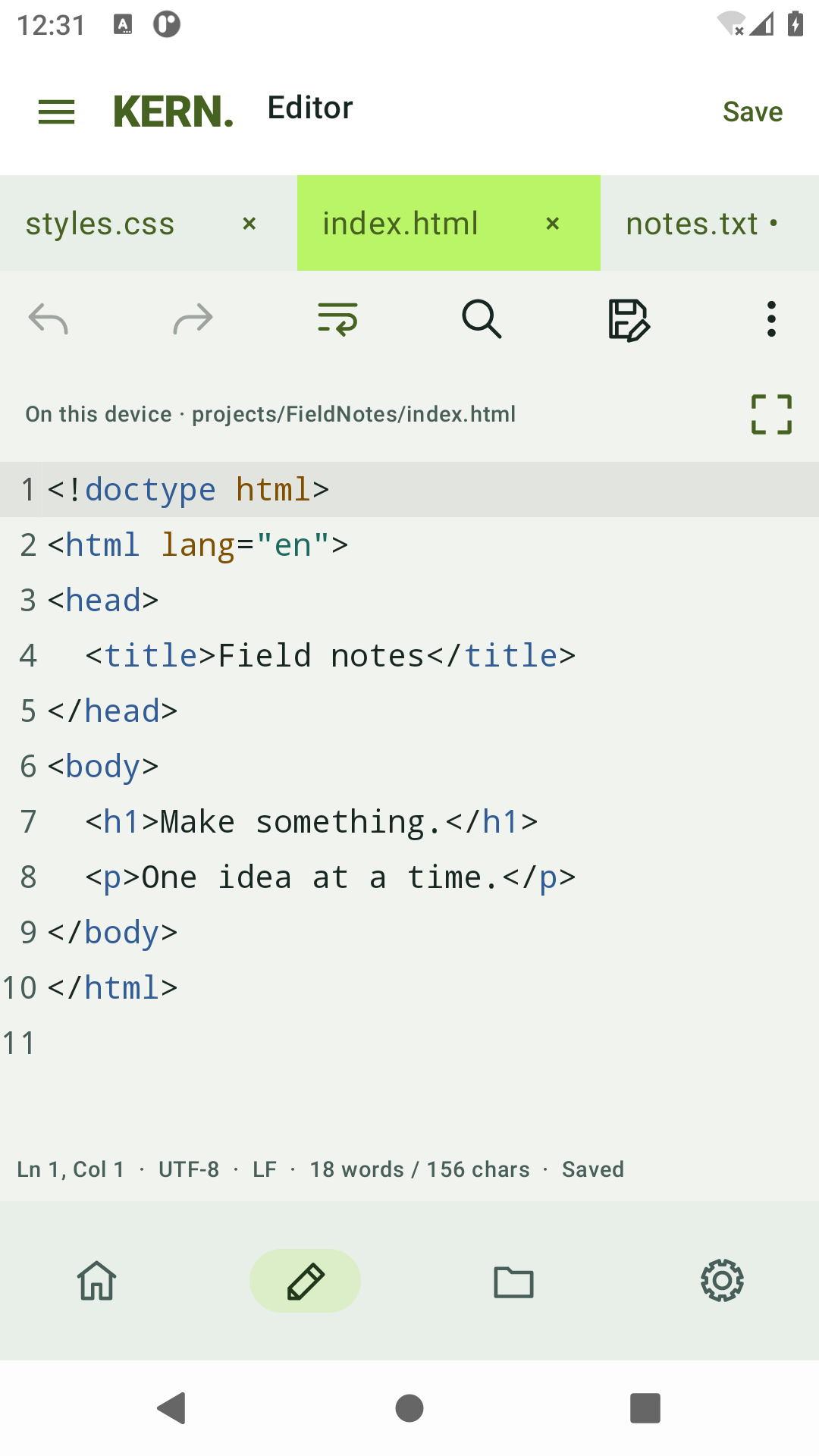
Soft wrap, syntax colors, and light or dark themes. Choose KERN, Ocean or Ember palettes.
Switch tabs, pin the ones you need, compare changes, and revisit local history.
Choose device folders. Use Git in managed projects, or review and upload individual files over SFTP.
Open a blank page or a practical starter for HTML, JavaScript, CSS, Markdown, JSON, TypeScript, Python, Kotlin, Java, C, C++, shell or XML. Starters are editable files, not a code runner.
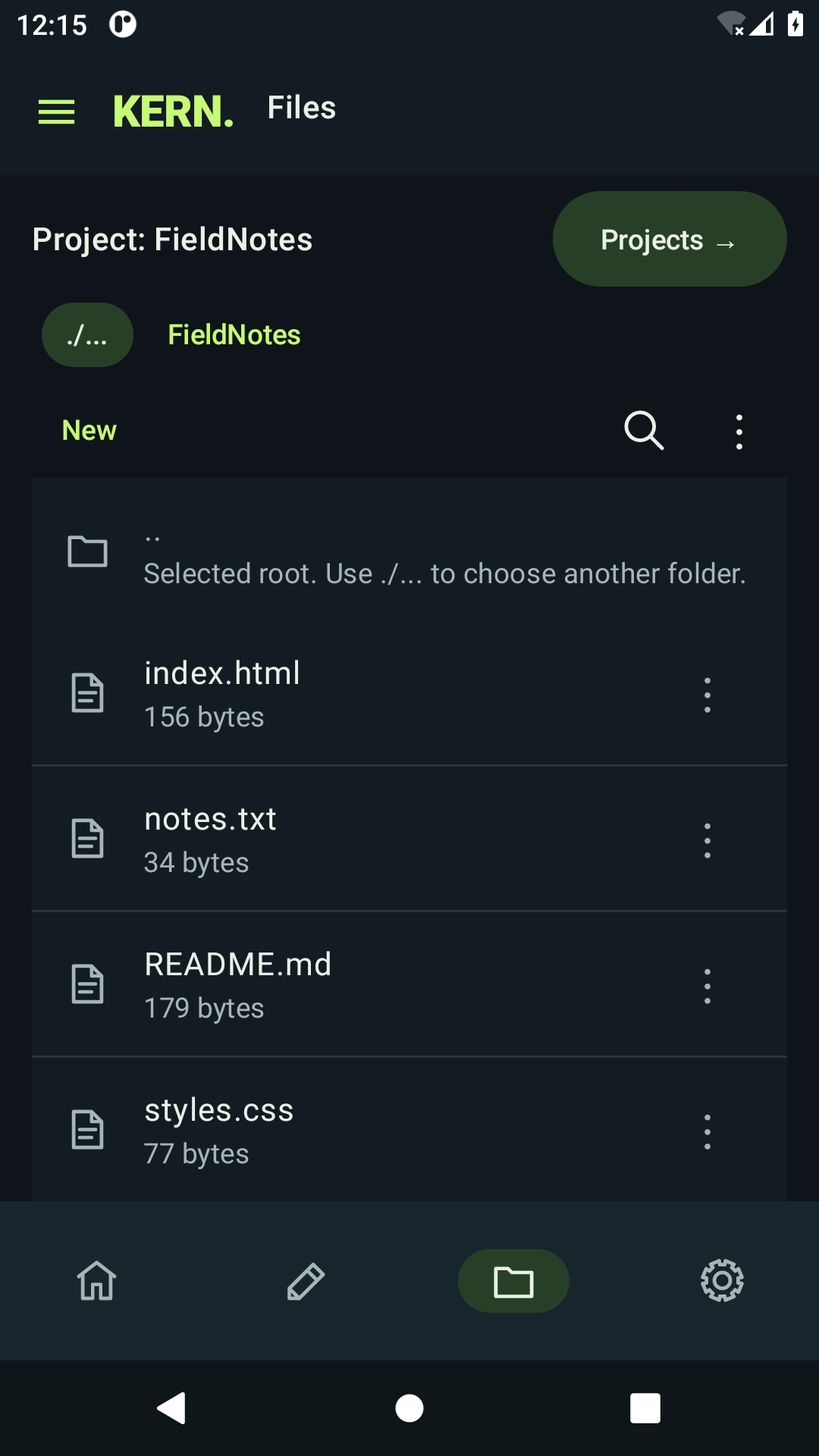
Pick files and folders through Android’s picker. Optional All files access can help with shared storage, while other apps’ private folders stay unavailable. KERN remains usable without broad access.
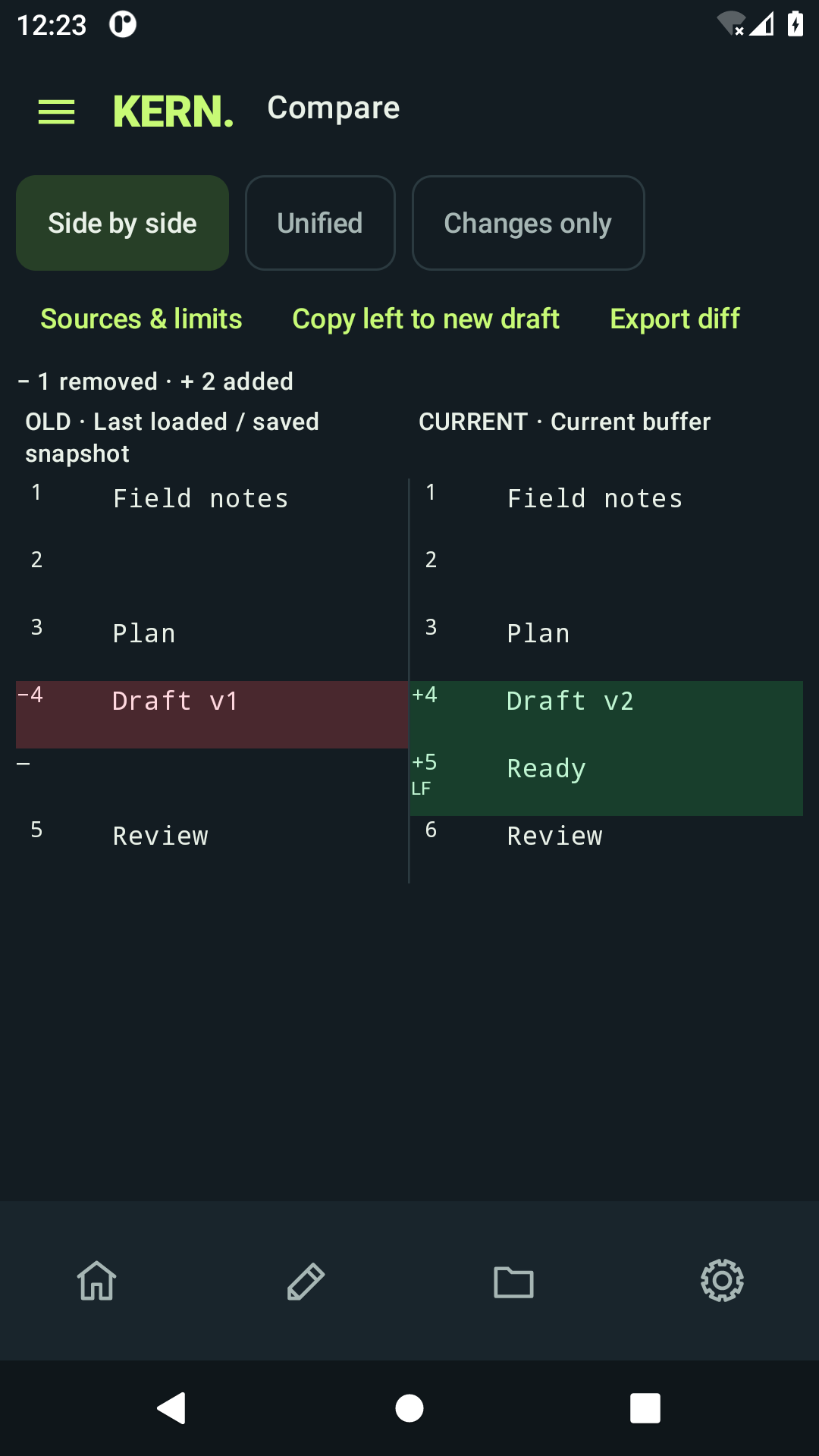
Compare the current buffer with its last loaded or saved snapshot, side by side or unified. Added and removed lines use both color and text. Keep your own backups of important documents.
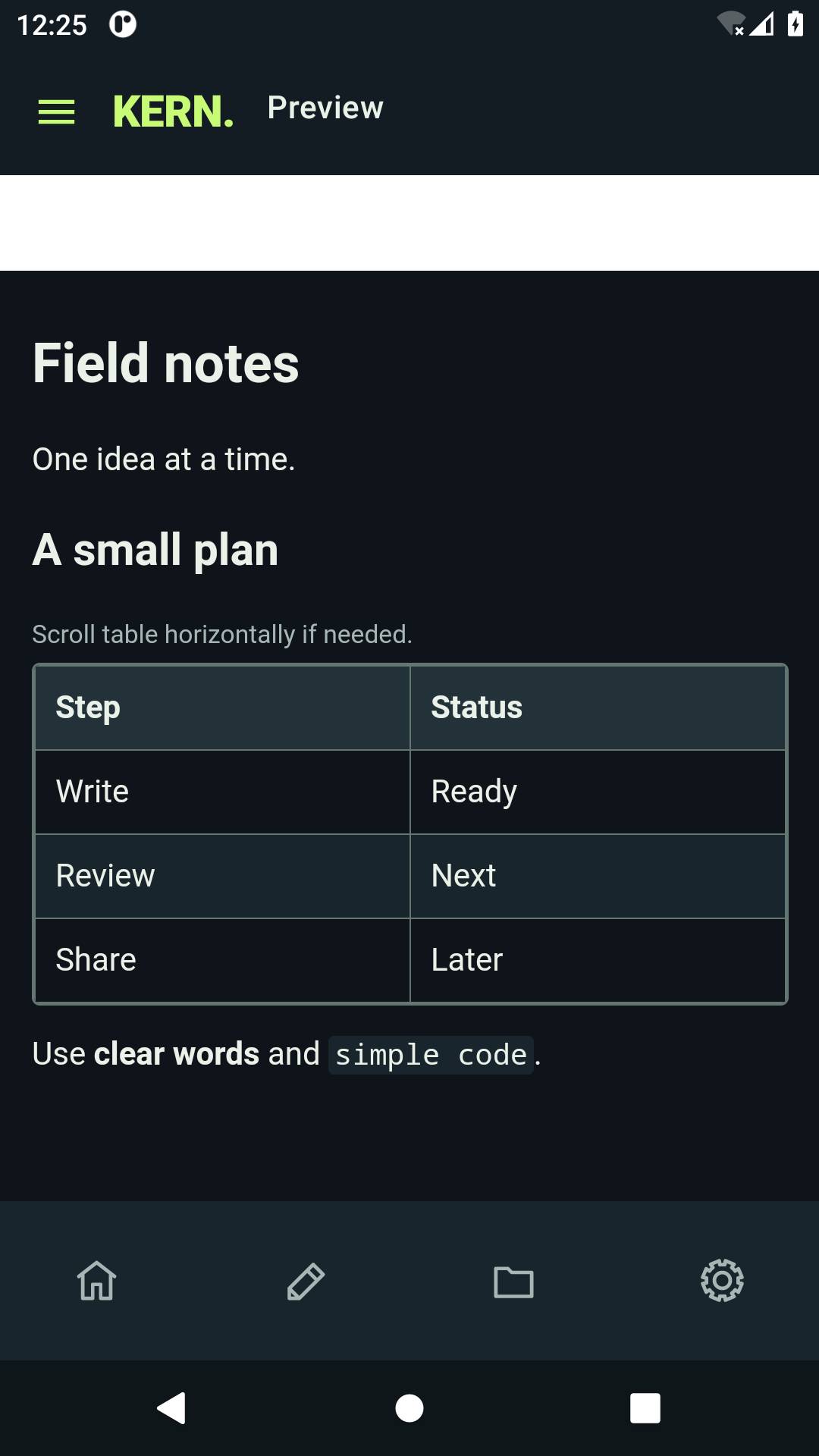
Preview Markdown headings, lists, code and tables, or inspect an HTML preview. Preview scripts and remote resources are blocked. Editing stays separate from preview.
Color code your work
Turn syntax colors on or off. Highlighting covers HTML, CSS, JavaScript, TypeScript, Kotlin, Java, Python, C, C++, JSON, shell, XML and Markdown. Other files stay editable as plain text. Highlighting is lexical; KERN is not a compiler or language server.
Local text editing does not require an account or an internet connection. Git, SFTP and AI connect only when you use them. KERN also checks update policies when you are online, and new installations enable optional announcements, crash reporting and usage analytics. You can turn those optional services off in Settings. See the KERN privacy policy.
Editable files are limited to 10 MiB, with up to eight open tabs. A separate read-only viewer supports UTF-8 logs up to 100 MiB.
Availability
KERN is in development. You can follow along on Google Play while we keep building. The KERN privacy policy describes on-device storage and optional Google services.
Questions about the project are welcome through HalfCycle.